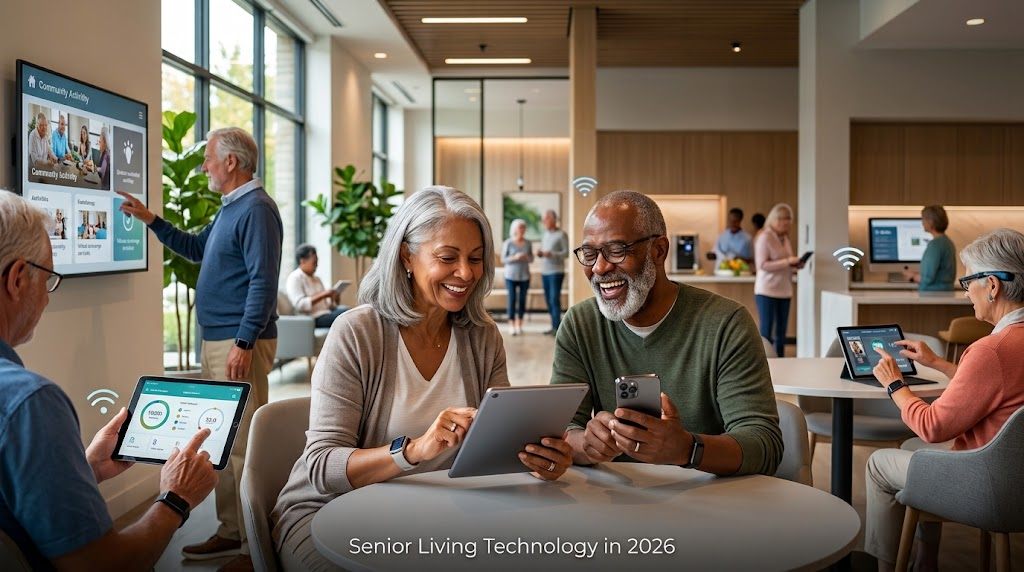

Senior living communities rely on connected technology every day. Employees use digital systems to manage operations, residents depend on WiFi for communication and entertainment, and connected devices support everyday services. As these systems become more interconnected, protecting networks, devices and sensitive information becomes increasingly important.
Weak WiFi configurations, compromised employee accounts, and outdated devices can create security vulnerabilities, expose private information, and interrupt daily operations.
Effective senior living cybersecurity requires more than antivirus software. Communities need secure wireless networks, controlled device access, reliable backups, and ongoing IT support.
CSS supports senior living communities and provides technology services for more than 350,000 community residents. This experience gives CSS valuable insight into the connectivity and technology needs of senior living environments.
This guide explores common cybersecurity risks, practical protection measures, and how CSS’s connectivity and managed IT services can support a more dependable technology environment.
Why Is Cybersecurity Important for Senior Living Communities?
Cybersecurity protects the information, networks, accounts, and connected devices communities depend on. A security incident can expose sensitive data, disrupt technology access, and create extra work for employees. Communities that handle health information should also review HHS guidance on the HIPAA Security Rule.
Senior living communities have several groups accessing their technology:
- Residents using personal phones, tablets, and laptops.
- Employees accessing workstations, email, and business applications.
- Visitors requiring temporary internet access.
- Vendors connecting to specific systems to provide services.
- Connected equipment communicating through wired or wireless networks.
Each group has different access needs. Giving everyone unrestricted access to the same network increases security risks.
For Example: Residents need internet access for personal use. Employees may need access to internal applications and business information. These environments should remain separate, with appropriate access permissions.
Strong cybersecurity helps communities protect sensitive information and control network access. It also helps maintain the technology residents and employees rely on every day.
What Are the Biggest Cybersecurity Risks for Senior Living Facilities?
Many cybersecurity vulnerabilities come from everyday technology practices rather than sophisticated attacks. Here are six risks community leaders should review.
Phishing Emails and Stolen Credentials
Phishing messages trick employees into sharing passwords, opening malicious attachments, or visiting unsafe websites. Compromised accounts can give attackers access to business systems. Communities should use email security tools, enable multi-factor authentication (MFA), and train employees to recognize suspicious messages.
Unsecured WiFi Networks
Wireless networks connect residents, employees, visitors, and connected equipment. Poor configurations, default router credentials, and outdated encryption can expose these networks to unauthorized access.
Communities should separate network access and restrict permissions according to each user’s responsibilities.
Outdated Devices and Software
Computers, tablets, printers, routers, and connected equipment require regular security updates. Unsupported devices may contain vulnerabilities that manufacturers no longer address.
Maintain an equipment inventory, install updates promptly, and replace devices that no longer receive security support.
Shared Accounts and Excessive Permissions
Shared logins make it difficult to identify who accessed information or changed a system. Former employees and vendors may also retain unnecessary access.
Use individual accounts, apply role-based permissions, and remove access when responsibilities change.
Unprotected Backups
Backups help communities recover from accidental deletion, hardware failure, and cyber incidents. However, unprotected backups can also be exposed or compromised.
Maintain secure backup copies and regularly test recovery procedures.
Unmanaged Connected Devices
Untracked devices can introduce vulnerabilities when they connect without proper configuration or maintenance. This includes smart TVs, printers, shared workstations, and wireless access points.
Communities should know which devices are connected, who manages them, and what access they require.
| Risk | What it looks like | How to reduce it |
|---|---|---|
| Phishing emails and stolen credentials | Employees share passwords or open unsafe attachments | Use email security tools, phishing awareness training and MFA |
| Unsecured WiFi networks | Default router credentials and outdated encryption | Separate network access and restrict permissions by role |
| Outdated devices and software | Unsupported equipment no longer receives security fixes | Install updates and replace unsupported devices |
| Shared accounts and excessive permissions | Shared logins; former employees and vendors keep access | Provide individual accounts and review permissions |
| Unprotected backups | Backups that can be exposed or compromised | Maintain protected backups and test recovery |
| Unmanaged connected devices | Smart TVs, printers and shared workstations connect without proper configuration | Maintain a device inventory and assign ownership |
A Practical Cybersecurity Checklist for Senior Living Communities
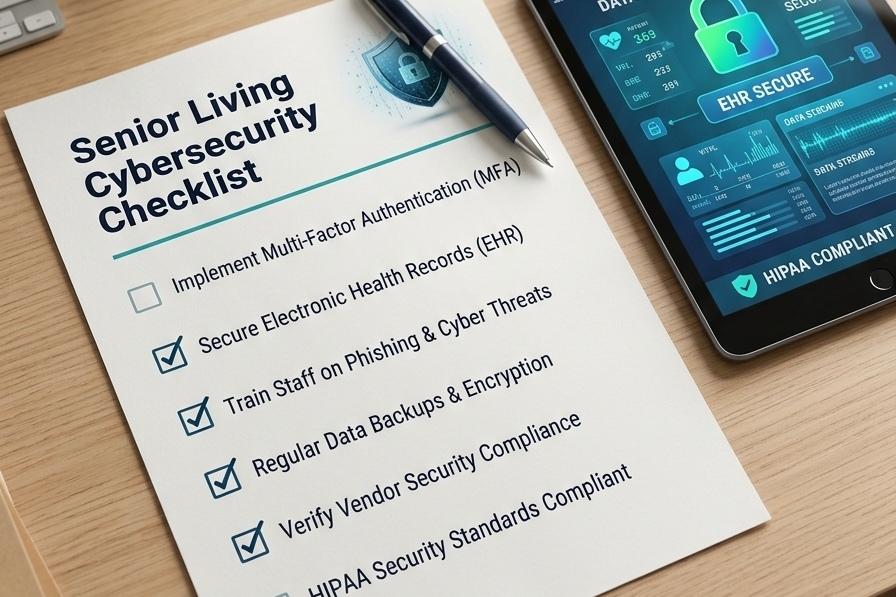
Community leaders and IT teams can use this checklist to review existing security practices.
| Security Area | Recommended Action |
|---|---|
| Passwords | Require strong, unique passwords and MFA. |
| User accounts | Provide individual accounts and appropriate permissions. |
| WiFi | Separate resident, staff, guest and operational access. |
| Devices | Maintain inventories and install security updates. |
| Use email protection and phishing awareness training. | |
| Backups | Maintain protected backups and test recovery. |
| Monitoring | Review unusual logins and suspicious activity. |
| Vendors | Review third-party access and remove unnecessary permissions. |
| Workstations | Enable screen locks and automatic logouts. |
| Incident response | Document reporting contacts and response procedures. |
Assign responsibility for each task and review controls regularly, particularly when employees leave, vendors change, or new equipment is introduced.
How Can Senior Living Communities Secure Resident WiFi?
Resident WiFi should provide convenient internet access without exposing internal business systems. A secure wireless environment combines network separation, strong encryption, updated equipment, and ongoing oversight.
Communities should:
- Separate network access: Keep resident, staff, and guest connections appropriately separated.
- Use secure configurations: Apply current wireless security settings and strong administrative credentials.
- Update equipment: Install firmware updates and replace unsupported devices.
- Restrict internal access: Prevent general resident and guest access from reaching private business systems.
- Review connected devices: Identify unfamiliar connections and remove unnecessary access.
- Monitor activity: Investigate unusual connections and suspicious behavior.
Good secure WiFi infrastructure must address both performance and protection. Residents need dependable internet in their rooms and common areas, while employees require connectivity that supports daily work.
CSS provides managed WiFi for senior living, supporting community-wide and in-room connectivity. Its approach considers property infrastructure, wireless coverage, and the connectivity needs of residents and staff.

Should Staff and Residents Use Separate WiFi Networks?
Yes. Staff and residents should have separate WiFi networks or properly segmented access. Residents generally need internet for personal devices and entertainment. Employees may require access to business applications and internal resources.
Separating these environments helps prevent unnecessary access between users and devices. Connected operational equipment may also require additional network separation.
Simply creating multiple WiFi names is not enough. The underlying network configuration must enforce the appropriate access restrictions.
How to Protect Connected Devices and Resident Information
Every device connected to a community network should be accounted for and maintained. This includes computers, tablets, printers, smart TVs, and other connected equipment.
Practical safeguards include:
- Maintain an inventory of connected devices.
- Install security updates promptly.
- Replace equipment that no longer receives security support.
- Use individual accounts instead of shared logins.
- Enable screen locks and automatic logouts.
- Encrypt devices that store sensitive information.
- Remove employee and vendor access when no longer required.
- Securely erase information before equipment is reused or disposed of.
- Restrict administrative permissions to authorized personnel.
Shared workstations deserve particular attention. Employees should sign out after completing their work rather than leaving accounts accessible to others. Communities should also identify which devices collect, store, or transmit sensitive information and apply appropriate safeguards.
Strong senior living network security depends on knowing what is connected, who can access it, and how each device is maintained.
How Does Managed IT Improve Cybersecurity in Senior Living?
Managed IT provides ongoing oversight of the systems, devices and networks a community depends on. Instead of waiting for technology problems to interrupt operations, communities can receive regular maintenance, monitoring, and technical assistance.
Managed IT support may include:
- Network and system monitoring.
- Endpoint protection and software maintenance.
- Email filtering and phishing defense.
- Multi-factor authentication support.
- Backup management and recovery assistance.
- Employee help desk support.
- Device management and troubleshooting.
- Security reviews and vendor coordination.
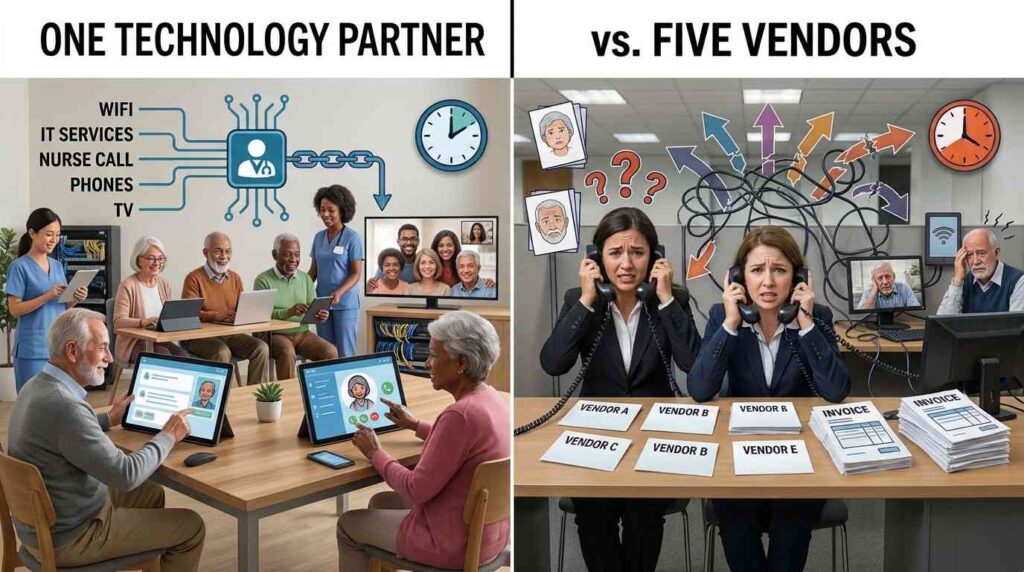
CSS Managed IT includes a 24/7 help desk, proactive monitoring, cybersecurity support, backup and recovery, device management, and vendor coordination. This support helps senior living operators manage technology requirements without coordinating every issue independently.
Communities can also request a free IT risk assessment to review their existing technology environment, identify areas requiring attention, and discuss support requirements.
For operators seeking broader community technology support, CSS also provides assisted living technology solutions designed around the needs of residents and staff.

A Real CSS Customer Success Story: Managing WiFi and Technology Costs
Cybersecurity discussions often focus on software and individual devices. However, the underlying network infrastructure also deserves attention. Communities need connectivity that supports residents and employees while keeping technology costs manageable.
One CSS customer success story highlights a senior living operator spending approximately $15,000 per month on TV and internet costs while experiencing recurring technology issues.
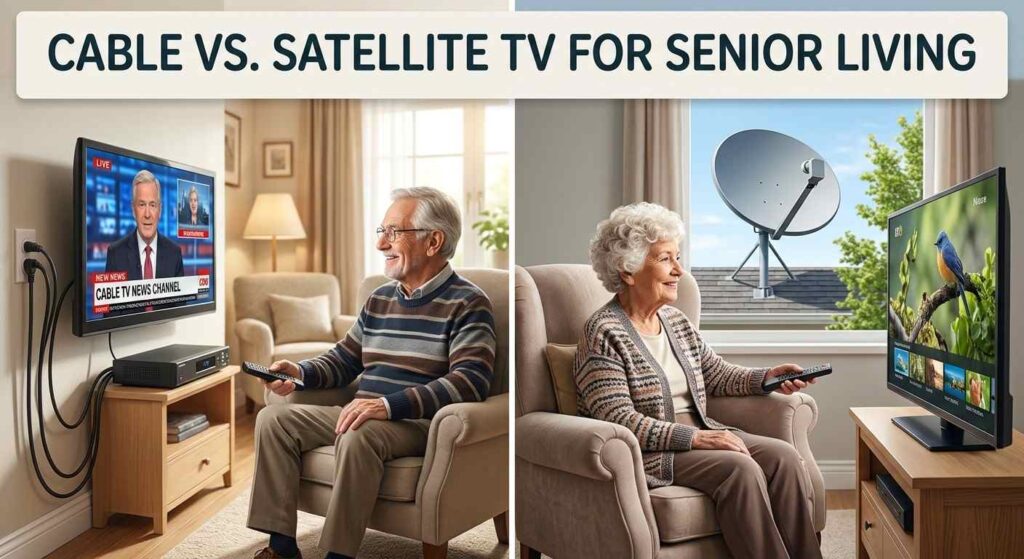
CSS implemented bulk DIRECTV and property-wide WiFi, eliminating individual internet bills. The operator was then able to redirect the freed-up funds toward resident wellness programming.
Other CSS customer examples highlight the financial and operational value of coordinated technology services:
Bella Vista: $48,000 Saved in One Year
Bella Vista reduced its monthly TV and service costs from $7,500 to $3,500 after switching to DIRECTV through CSS. This represents a $4,000 monthly reduction and $48,000 in annual savings.
Freit Management: 109 Communities
CSS’s customer experience also includes Freit Management, representing a portfolio of 109 communities.
Midwest Operator: $0 Monthly Community Spend
Another CSS customer example highlights a Midwest operator achieving $0 in monthly community spend. These examples demonstrate how coordinated technology services improve connectivity and manage costs. They do not demonstrate reduced cyber incidents or breach prevention.
“Strong businesses are built by investing in people. When you grow your team, you strengthen your ability to serve customers, solve challenges, and deliver lasting value. That’s how we believe a business should grow.”
Why Senior Living Communities Need an Experienced Technology Partner
Senior living technology involves more than keeping devices connected. Communities need reliable services that support residents, employees, and everyday operations.
What Customers Say About CSS
We couldn’t be happier with our TV provider! Their customer service is truly exceptional. Anytime we have an issue, they jump on it immediately and make sure it gets resolved, even on weekends!
Dave and Amelia are absolutely the best! What really sets them apart is that they take personal responsibility for every issue. You’ll never hear them say, “That’s not my department” or “Call the main number.” Instead, they take ownership, follow through, and make sure the problem is taken care of from start to finish.
As a nursing home, having reliable TV service for our residents is extremely important, and knowing we have people like Dave and Amelia who genuinely care makes all the difference. It’s rare to find this level of dedication and customer service these days. Highly recommend!
For operators seeking dependable support and senior living technology solutions, CSS brings multiple community technology services together.
Make Cybersecurity Part of Everyday Technology Management
Strong senior living cybersecurity requires more than antivirus software. It depends on secure WiFi, protected devices, controlled user access, reliable backups, and ongoing technology oversight.
Communities should regularly review networks, monitor connected devices, maintain employee access controls, and assign clear responsibility for technology security.
CSS provides managed IT services and community-wide WiFi to help operators manage the technology their residents and employees depend on. CSS understands the importance of dependable community connectivity.
To discuss your community’s technology needs and explore available support, schedule a consultation.
Frequently Asked Questions
What does a senior living cybersecurity checklist include?
It should cover WiFi security, employee accounts, device updates, network access, email protection, backups, vendor permissions, and incident response. Each area should have a clear owner and regular review process.
What information should senior living communities protect?
Communities should protect sensitive resident information, employee records, business documents, account credentials, and other data stored or accessed through their systems. Safeguards depend on the information involved and applicable requirements.
Why should communities maintain an inventory of connected devices?
An inventory helps IT teams identify connected equipment, determine who manages it and check whether it receives security updates. It also makes unfamiliar or unsupported devices easier to identify.
Why are backup recovery tests important?
Having backups does not guarantee successful recovery. Regular tests confirm that backup copies are accessible, usable and capable of restoring required information.
What should communities look for in a senior living IT provider?
Evaluate senior living experience, support availability, monitoring capabilities, backup and recovery processes, device management and clearly defined security responsibilities. Understand which services are included in the agreement.
What should a senior living community do after a suspected cyberattack?
Follow incident response procedures, contact the IT or security provider and take appropriate containment steps. Preserve evidence, assess potential data exposure and involve legal or compliance specialists where necessary. Evaluate applicable notification and reporting obligations if sensitive information may have been affected.